A podcast clip people keep watching
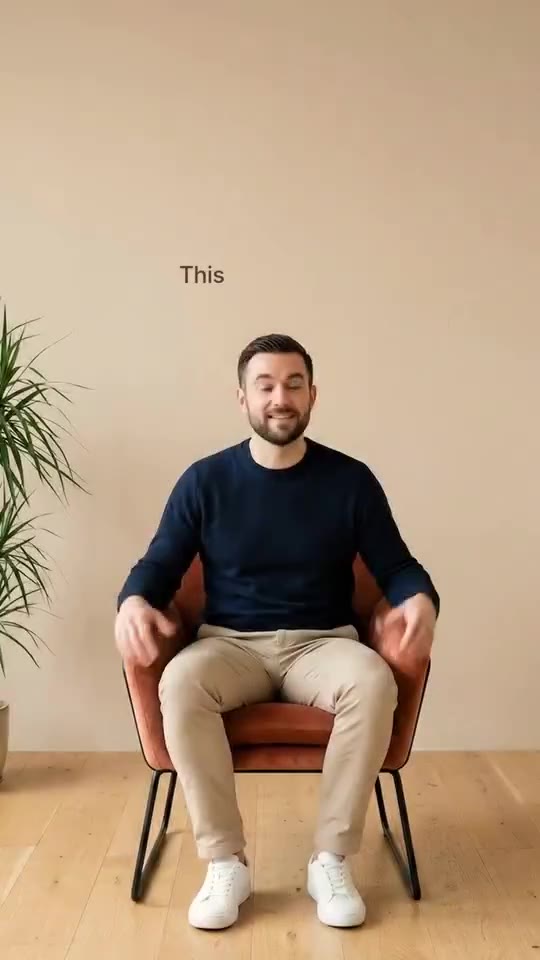
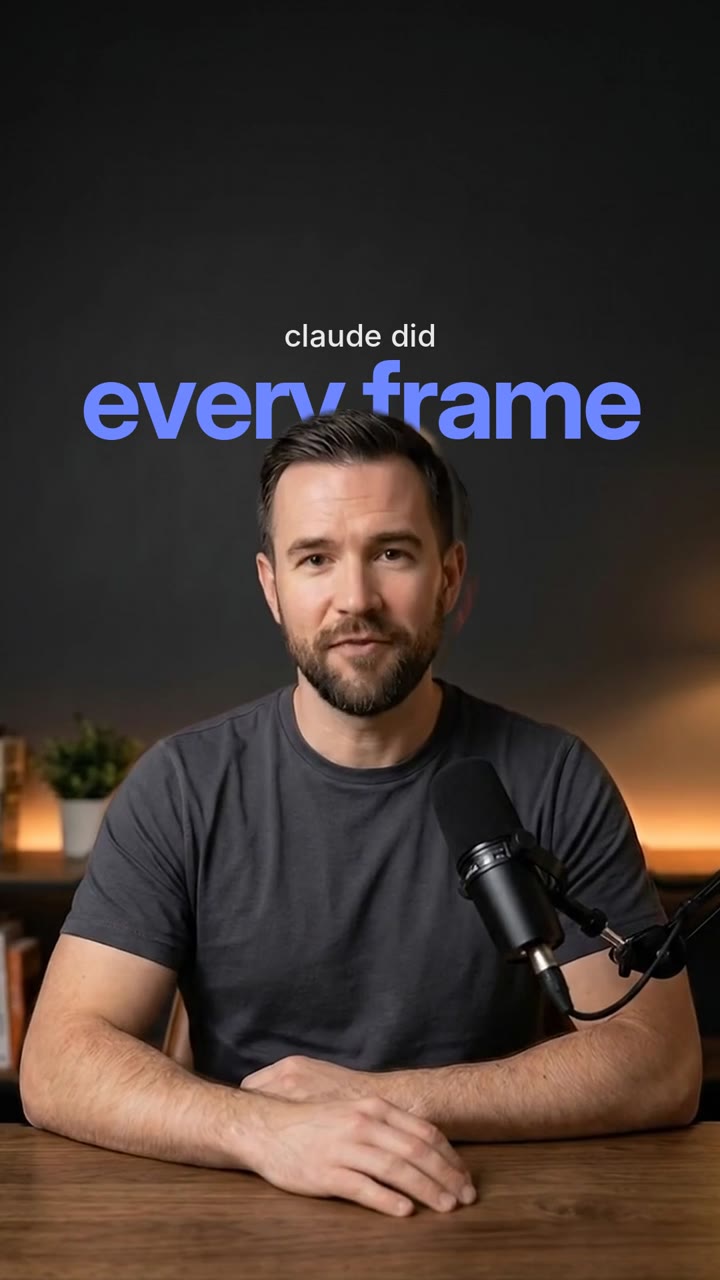
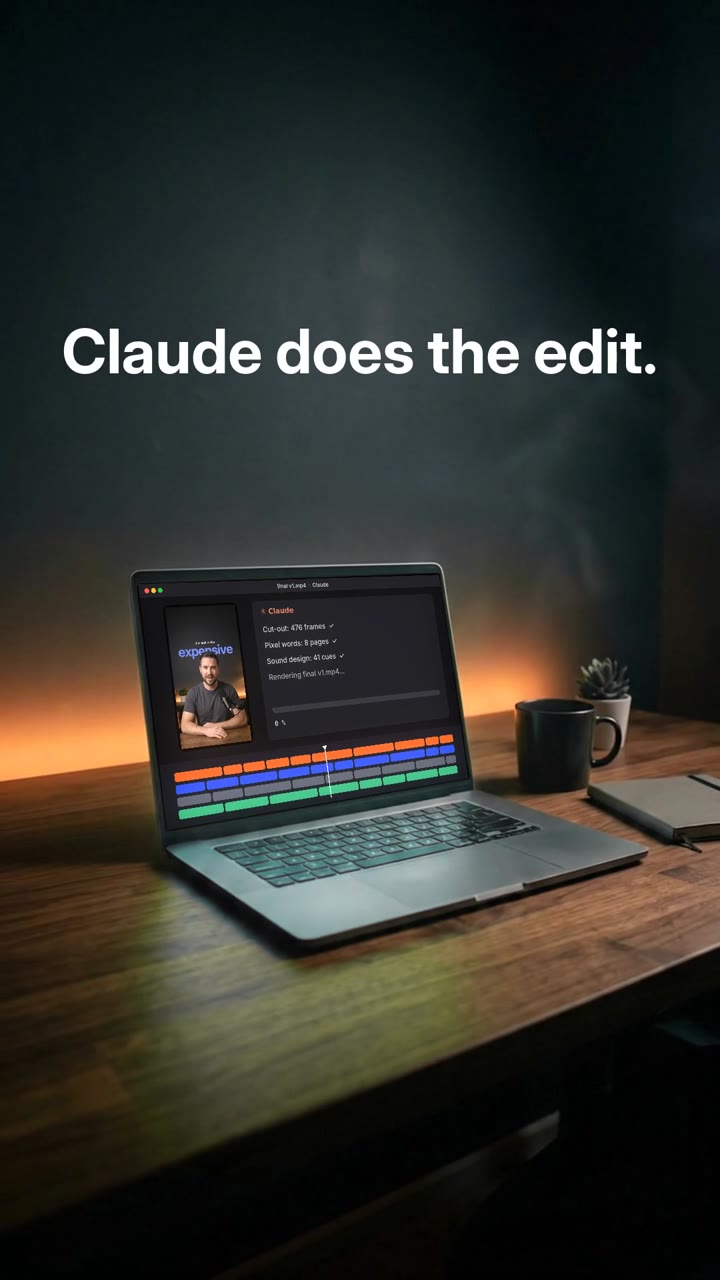
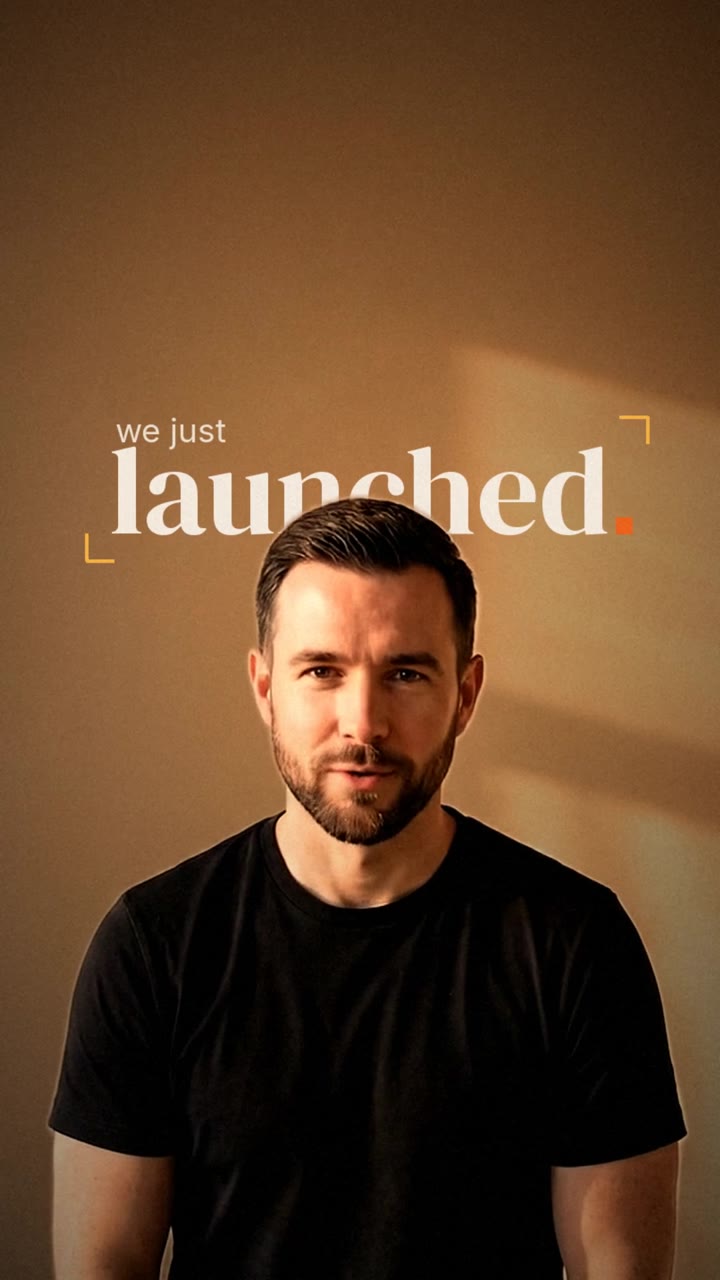
Podcast Clip turns a plain recording into an edit with condensed words next to the speaker, the background behind the desk changing with the story while the speaker, chair, microphone and desk stay in front, cream cards for key moments, hard zoom cuts and a sound on every cut. You also get a vertical promo for Instagram and TikTok.
How the Podcast Clip edit is made
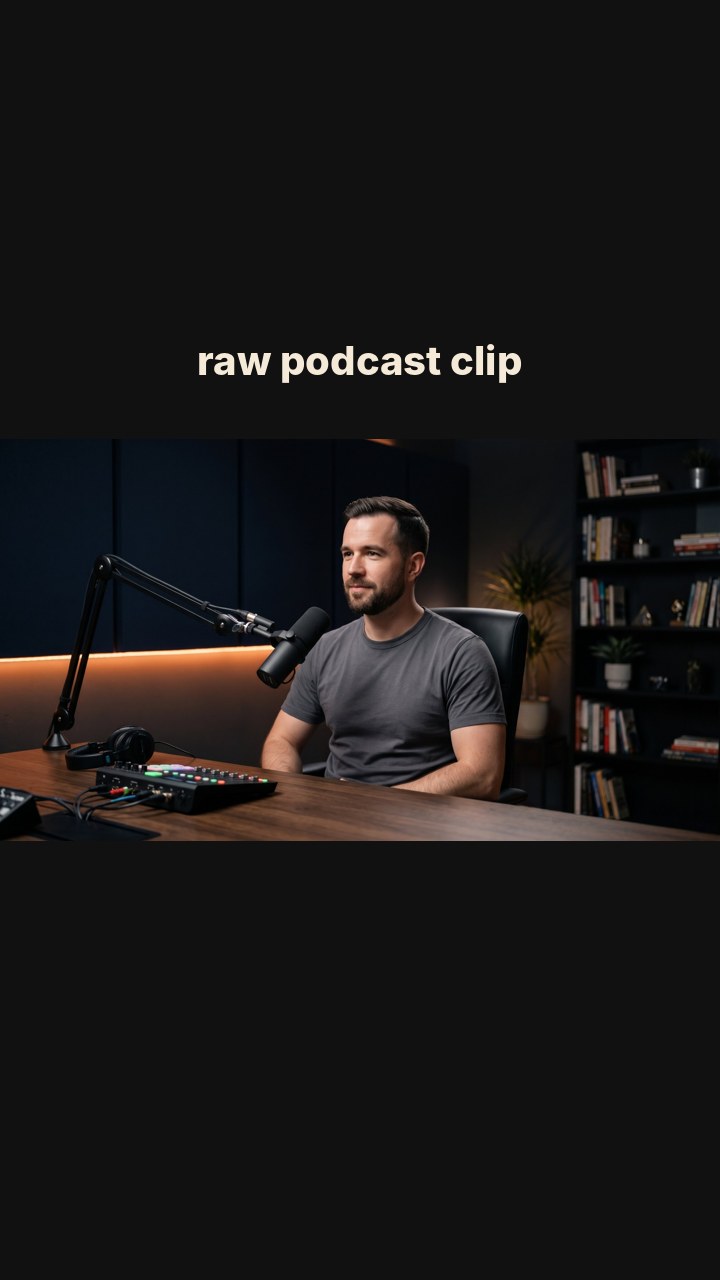
- One image of your speaker in Google Flow becomes the start frame of every clip.
- Three short talking clips with sound, one line each, plus background images for the key moments.
- Claude cuts out the speaker, chair, mic and desk, times every word and builds the edit.
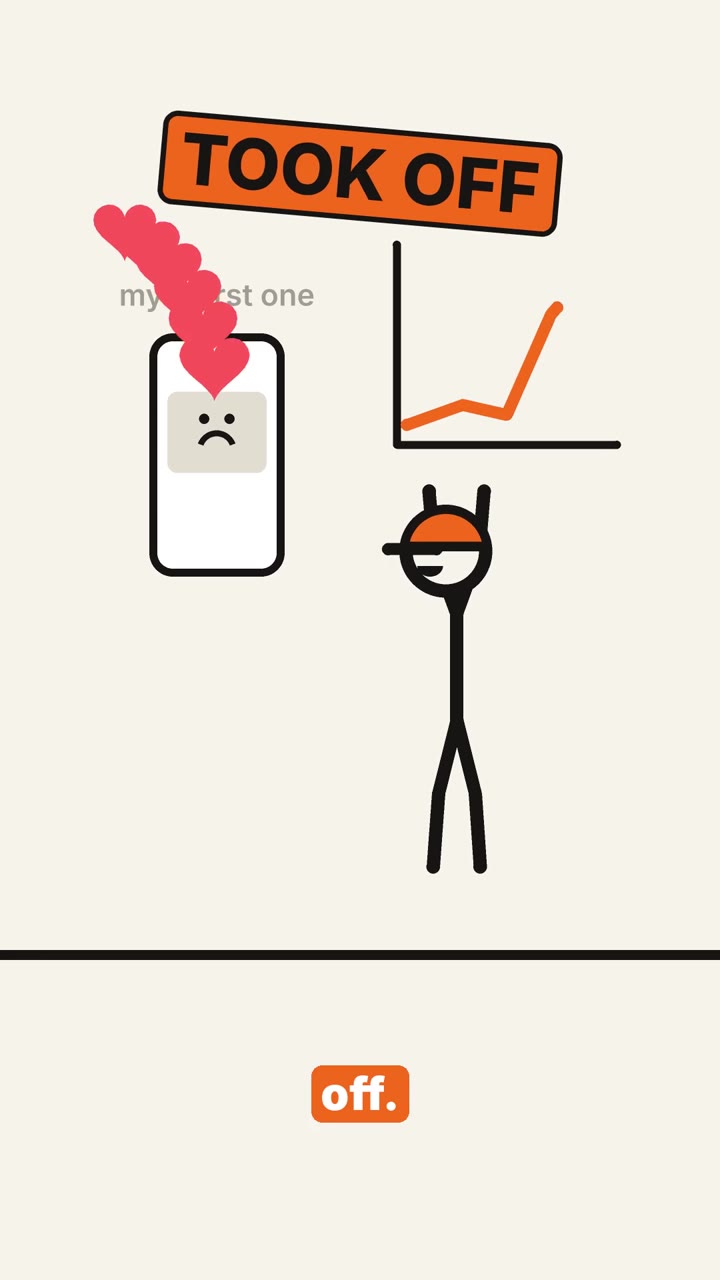
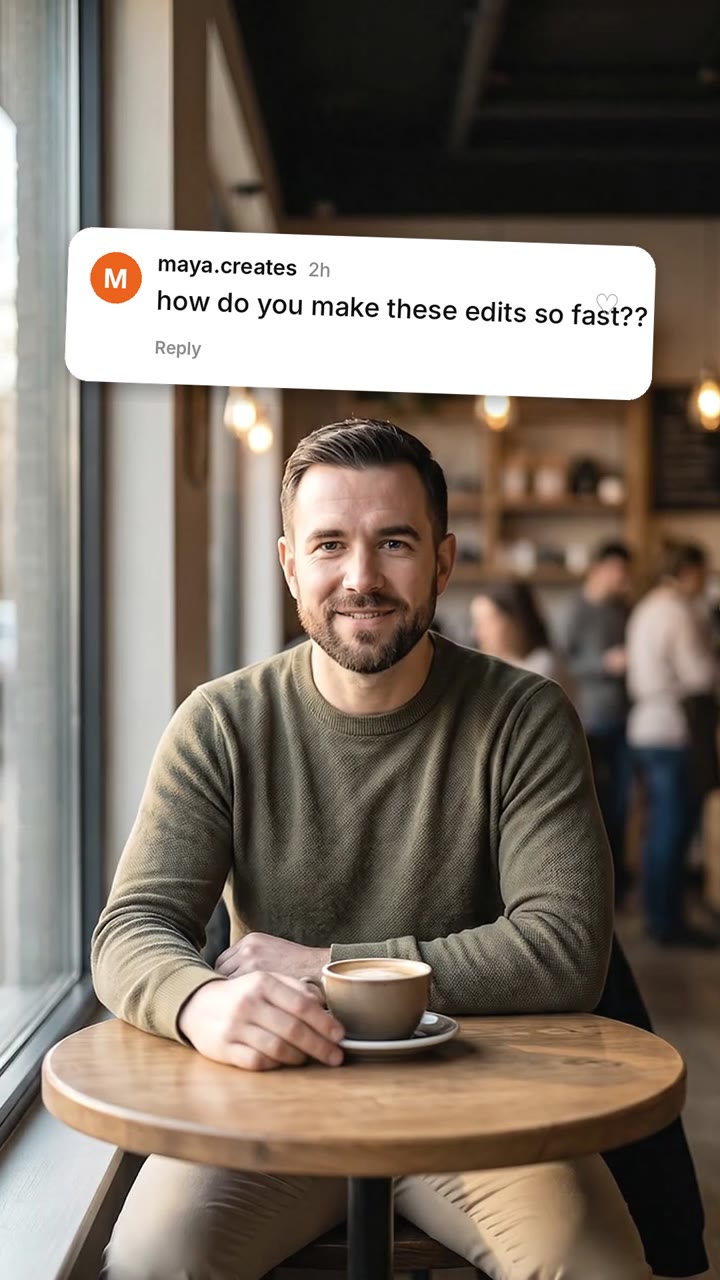
- Claude wraps the edit in a vertical promo with After, Before and a comment box.
Why it works
A talking head alone loses people in seconds. Words that land on the beat, a background that shows what he is talking about, and a cut every few seconds keep the eye busy while the story carries on.
What you get in the pack
- 13 copy-and-paste prompts: the plate, the clips, the backgrounds and every Claude step
- The Claude skill with the cut-out and render scripts and two working example pages
- A video lesson, the full style spec, and both sample videos to compare with
- Lifetime access, including every future style pack
All 7 style packs, one payment, lifetime access.
Get the packsQuestions
Do I need my own podcast recording?
No. You make the speaker and the talking clips in Google Flow with the prompts, or describe your own speaker the same way.
Does the background really stay behind the desk?
Yes. Claude cuts out the speaker, the chair, the microphone and the desk, so only the wall behind them changes.
Do I get a vertical version too?
Yes. Prompt 12 wraps your edit in a 9:16 promo with After, Before and a comment box for Instagram and TikTok.