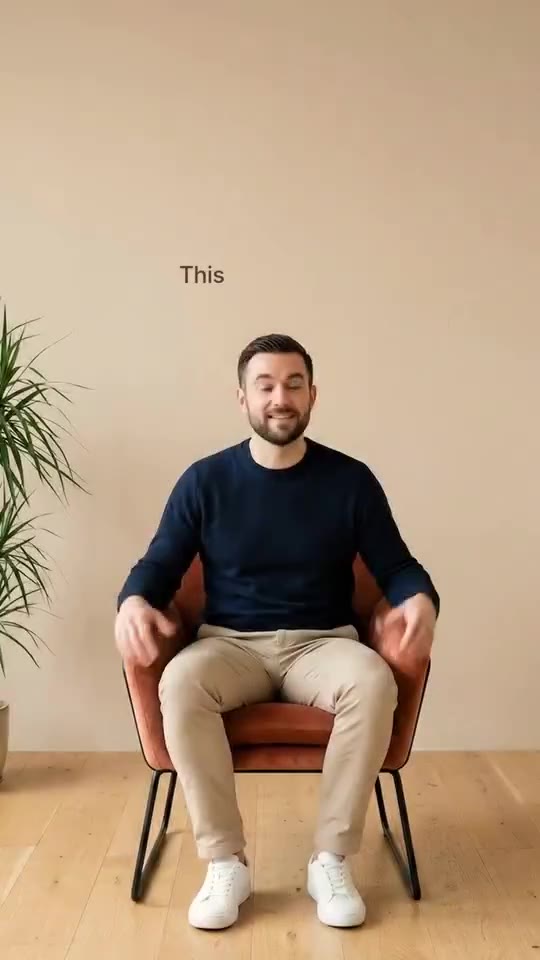
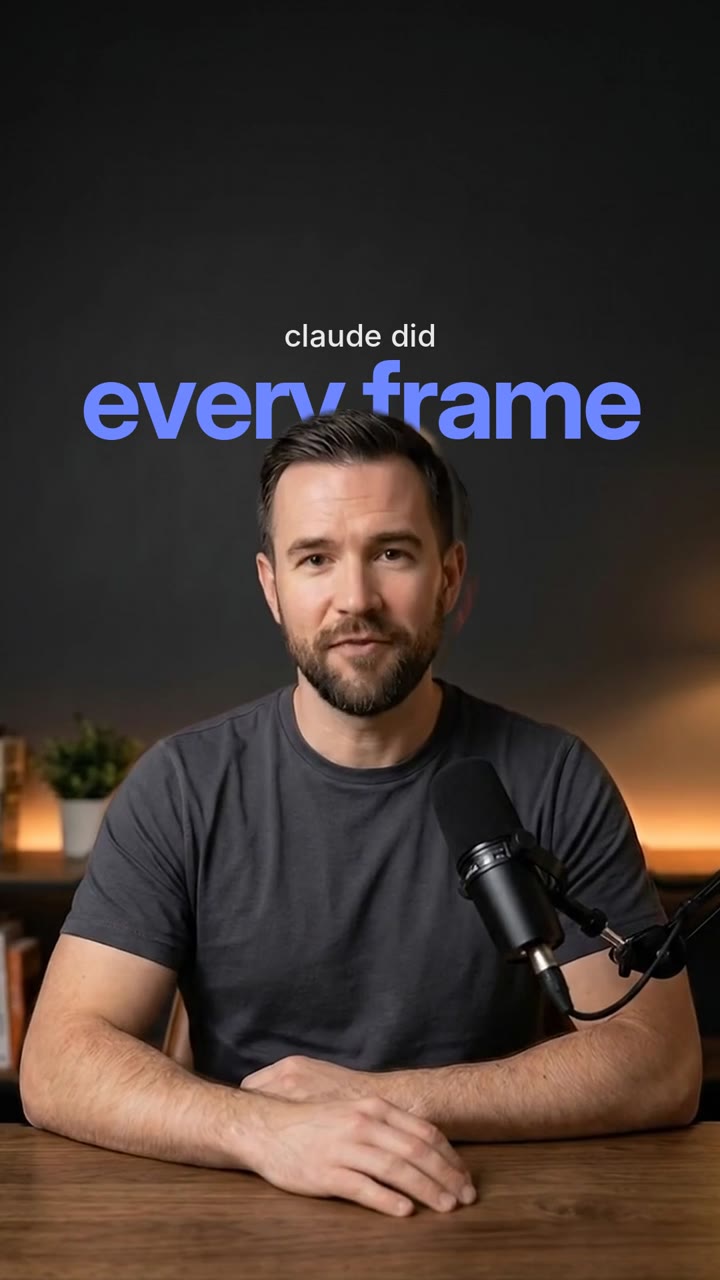
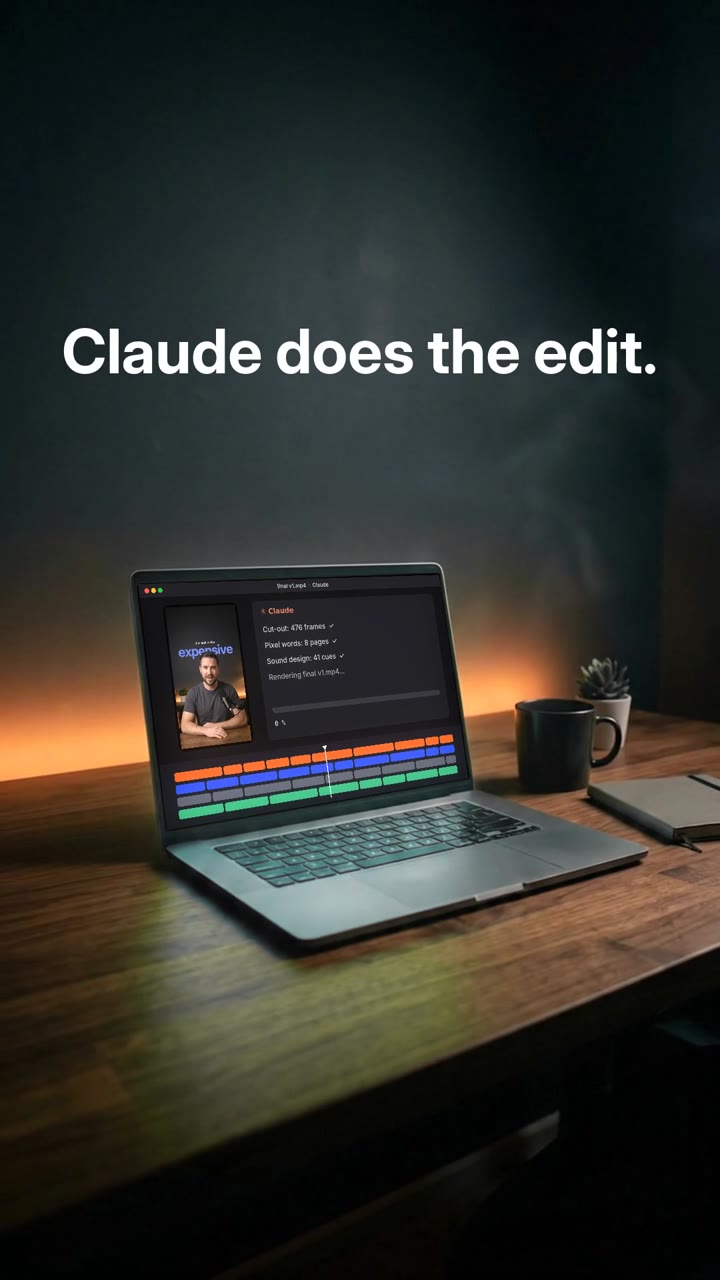
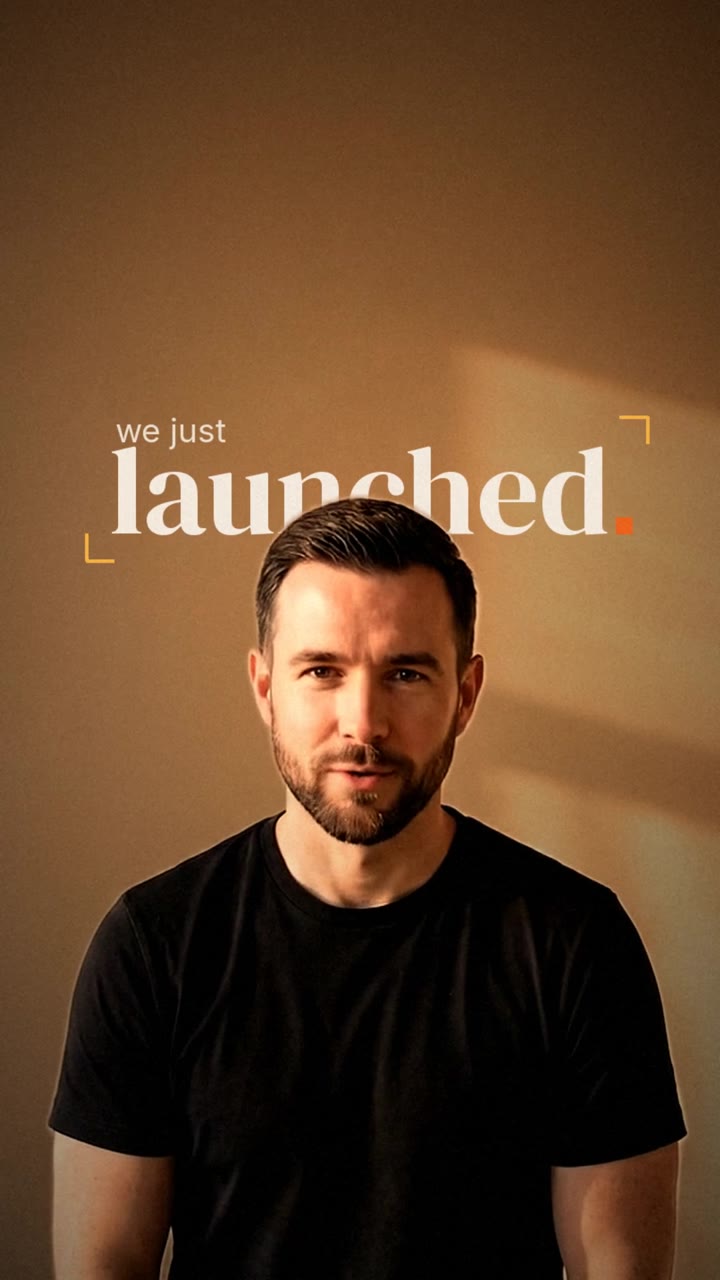
Answer comments with a reel that gets comments
Comment Reply turns the question your audience keeps asking into a reel. It opens on the viewer's comment over a flat clip, blurs into a warm café grade, big words rise up behind the speaker, three UI cards fly in on a list, and it ends with a comment box that types your keyword and taps send, so people know exactly what to comment.
How the Comment Reply reel is made
- Place your presenter in a café with Google Flow and make two casual talking clips that answer the comment.
- Tell Claude the username, the comment and the word to highlight.
- Claude builds the comment card, the grade, the rising words, the cards and the comment box.
- Approve, render, post, and reply to the comments it brings.
Why it works
Reply reels are the easiest way to keep a conversation going on Instagram. This style makes them look designed instead of screen-recorded, and it ends with a clear comment trigger for your DM automation.
What you get in the pack
- 4 copy-and-paste prompts: the image, the clip, the edit and the fix round
- The Claude skill and the full style spec (every colour, size, timing and sound)
- A 2-minute video lesson and the sample reel to compare with
- Lifetime access, including every future style pack
All 5 style packs, one payment, lifetime access.
Get the packsQuestions
Does it work with ManyChat or other DM automation?
Yes. The reel ends by typing the exact keyword; set the same keyword in your automation.
Can I use a real comment?
Yes, and you should: paste the real username and text into the edit prompt.
What if the accent in my clip sounds wrong?
Always name the accent in the Flow prompt; the pack shows the exact wording.